
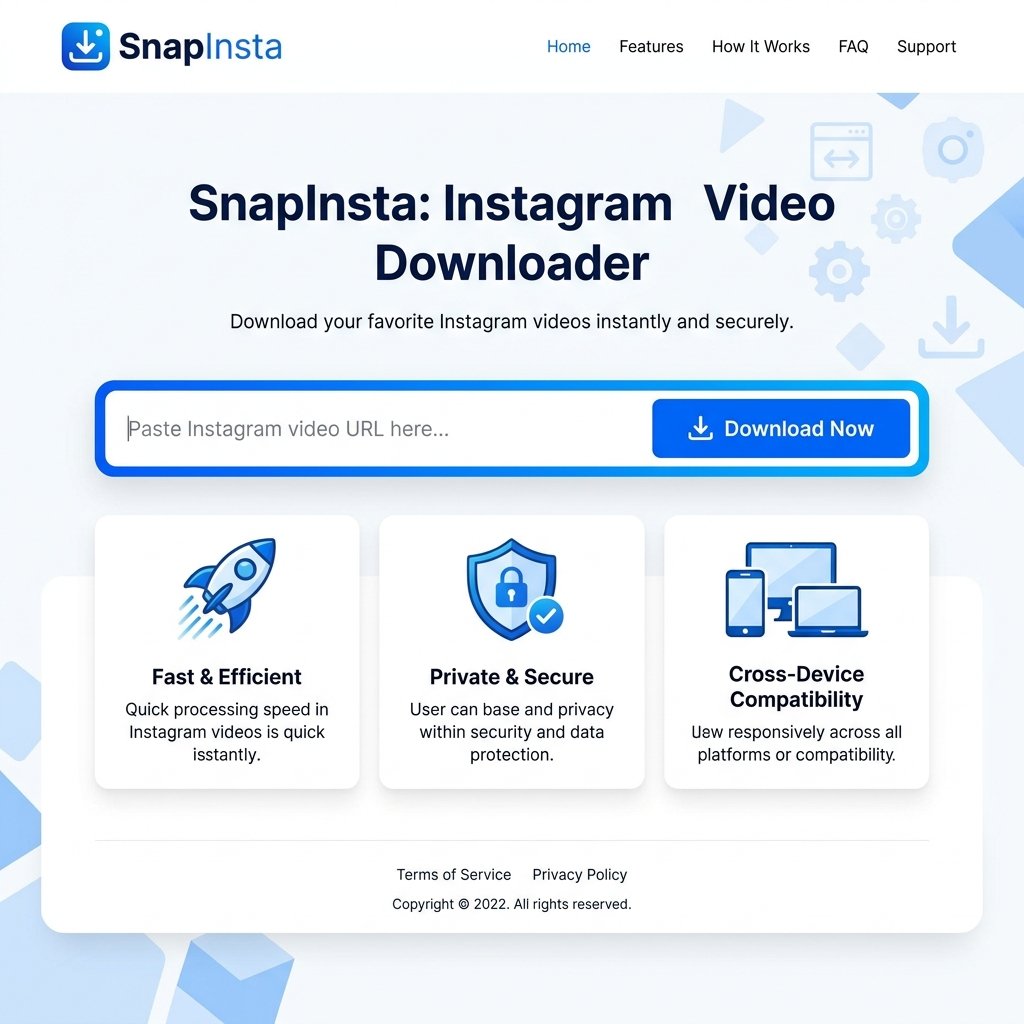

SnapInsta is a free online tool that lets you download Instagram videos, photos, Reels, Stories, and profiles to your phone or computer—no login or software needed. Just copy the post link, paste it into SnapInsta, and click Download. It supports HD quality up to 4K and works across desktop, mobile, and tablet.
Saving an Instagram video should be simple. Yet Instagram doesn’t offer a built-in download button for content you want to keep offline. That gap is exactly why tools like SnapInsta exist.
Whether you’ve spotted a recipe Reel you want to try later, a tutorial worth rewatching, or a post you created and want to back up, SnapInsta gives you a quick way to save it. Reels alone now account for roughly 35% of total screen time on Instagram and reach over 2 billion monthly users (True Future Media, 2026), so the demand for offline access keeps climbing.
This guide breaks down what SnapInsta does, how it works, how it compares to other downloaders, and the legal points you should keep in mind. By the end, you’ll know whether SnapInsta fits your needs—and how to use it the right way.
Why would you want to download Instagram videos?
Before getting into the tool itself, it helps to understand the common reasons people save Instagram content.
- Archiving your own memories. Photos and videos you’ve posted can disappear if your account is deleted or content is removed. Downloading creates a personal backup.
- Repurposing content (with permission). Creators and marketers often save their own posts to reuse across other platforms like TikTok, YouTube, or a website.
- Offline viewing. Spotty internet on a flight or commute? Saved videos play without a connection.
- Research and analysis. Social media managers, students, and analysts download videos to study trends, formats, and competitor strategies.
Short-form video drives this behavior. About 66% of consumers say short-form video is the content format they find most engaging (Looped Digital, 2026), and Reels generate around 67% higher engagement than static feed posts (Digital Applied, 2026). When content performs that well, people naturally want to keep it.
What is SnapInsta, exactly?
SnapInsta is an online Instagram downloader that saves photos, videos, Reels, Stories, and full profiles to your device. It runs entirely in your web browser, so there’s nothing to install on a desktop, and all processing happens on SnapInsta’s servers.
The tool works across PC, Mac, iPhone, and Android. It supports more than 20 languages and offers a dedicated Android app for one-step downloads. Importantly, SnapInsta is an independent platform and is not affiliated with Instagram or Meta.
A closer look at SnapInsta’s features
Here’s what stands out when you actually use the tool.
High-quality downloads up to 4K
SnapInsta saves content in high resolution, including Full HD, 1080p, 2K, and 4K. You can also select the size and quality of an image before downloading, which is handy when you want a smaller file for sharing or a full-resolution copy for editing.
Completely free, with no hidden fees
SnapInsta is free to use with no download limits. The service is supported by advertising rather than subscription fees. According to its own terms, ads exist to maintain and fund ongoing development—there’s no paywall waiting after a few uses.
No login required
You never enter your Instagram username or password. Because SnapInsta doesn’t ask you to log in, your account credentials stay private. This is one of the bigger draws for privacy-conscious users.
Anonymous use with no stored history
SnapInsta states that it does not collect user data and does not store download history. That means your activity isn’t logged against a profile, and downloaded files aren’t kept on its servers.
Cross-device compatibility
The tool works on desktops, laptops, tablets, and phones. On iPhone, you’ll need Safari on iOS 13 or the Documents by Readdle app to save files. On Android, the process mirrors the desktop steps: copy, paste, download.
Profile and private-account support
Beyond single posts, SnapInsta can download all photos and videos from a profile. It also offers a separate Instagram Private Downloader for content from private accounts—though this raises ethical questions we’ll cover later.
How do you download an Instagram video with SnapInsta?
The process takes only a few seconds. Here’s the step-by-step:
- Open Instagram in the app or on the web and find the post you want.
- Copy the link. Tap the three dots (⋯) in the top-right corner of the post and select “Copy Link.”
- Go to SnapInsta and paste the URL into the input box.
- Press Download. SnapInsta’s server extracts the file.
- Save it to your device, then open it from your Downloads folder.
If you can’t find a file afterward, check the “Downloads” folder on your phone or your browser’s download history.
How does SnapInsta work behind the scenes?
You don’t need a computer science degree to understand the basics. When you paste an Instagram link, SnapInsta’s servers read the public data attached to that post and locate the original media file. The server then pulls that file and hands it back to your browser as a downloadable copy.
Because the heavy lifting happens server-side, your device isn’t doing the work—which is part of why downloads feel fast even on older phones. And since SnapInsta says it doesn’t log activity or store the files afterward, the transaction is meant to be one-and-done: extract, deliver, forget.
How does SnapInsta compare to other Instagram downloaders?
SnapInsta isn’t the only option. Tools like SaveFrom, iGram, and 4K Stogram all serve similar functions. Here’s how to think about the trade-offs.
Choose SnapInsta if you want a no-install, browser-based tool that handles multiple content types (videos, Reels, Stories, profiles) without requiring a login. Its strengths are speed, free access, and broad format support.
Choose a desktop tool like 4K Stogram if you need bulk downloading and archiving as a recurring task. Desktop software typically offers more robust batch features but requires installation.
Consider newer alternatives if ad volume bothers you. Some industry reviews note that legacy web downloaders—SnapInsta included—rely on ads and redirects to stay free (DownloadMedia, 2026). That’s the trade-off for a no-cost service.
The honest takeaway: SnapInsta’s main selling points are convenience and price. It does the core job well across devices without asking for personal information. If you download videos occasionally and value simplicity, it’s a strong fit.
Real-world use cases for SnapInsta
How people actually use a tool like this varies widely.
- Personal archiving. Save your own posts and memories before they’re lost.
- Content creation. Marketers and creators repurpose their own approved content across channels—always with the rights holder’s permission.
- Education. Teachers and students download public videos for lessons, presentations, or media analysis.
The thread connecting the responsible use cases is permission. Saving your own content, or content you have rights to, is the safe lane.
Tips for getting the most out of SnapInsta
A few habits make the experience smoother:
- Copy the correct link. Always use the post’s “Copy Link” option rather than the browser address bar, which can include extra tracking parameters.
- Pick your quality before downloading. If you plan to edit, grab the highest resolution; for quick sharing, a smaller file works fine.
- Organize as you go. Create dated folders so your downloads don’t pile up in one messy directory.
- Use a browser that plays nicely with downloads. On iPhone, Safari or Documents by Readdle are your best bets.
What’s next for Instagram video downloading?
Downloaders evolve alongside Instagram itself. As the platform adds new content formats and tightens how media is served, tools like SnapInsta update to keep pace—SnapInsta says it’s “continuously updated” and supports a growing list of languages and devices.
Expect ongoing improvements in download speed, format support, and mobile experience. The broader direction is clear: as short-form video dominates and screen time on Reels grows, demand for reliable offline access will only increase.
Frequently asked questions about SnapInsta
Is it legal to download Instagram videos?
It depends on what you download and why. Saving content you created yourself, or content you have explicit permission to use, is generally fine. Downloading and redistributing someone else’s work without permission can violate copyright and Instagram’s terms of service. SnapInsta itself states it’s designed to help users save their own uploads and reserves the right to refuse service if the tool is used to infringe on others’ rights.
Can SnapInsta download from private accounts?
SnapInsta offers a separate Instagram Private Downloader feature. However, downloading content from private accounts without consent raises serious privacy and ethical concerns—and may breach Instagram’s rules. Stick to content you’re authorized to access and save.
Does SnapInsta cost anything?
No. SnapInsta is free with no download limits. It’s funded through advertising rather than subscriptions, so expect to see ads while using it.
Do I need to log in to my Instagram account?
No. SnapInsta does not require you to log in. You only paste a public post link, which keeps your account credentials private.
Does SnapInsta store my downloads or data?
According to SnapInsta, it does not store downloaded files or keep your download history, and it does not collect user data. Use is described as anonymous.
Why can’t I find my downloaded video?
Check the “Downloads” folder on your device or your browser’s download history. On iPhone, files saved through Documents by Readdle will appear within that app.
Does SnapInsta work on iPhone?
Yes. Use the Safari browser on iOS 13 or later, or download the Documents by Readdle app, then paste the Instagram URL and tap Download.
Save what matters, the simple way
SnapInsta solves a small but real problem: Instagram makes it hard to keep the content you love offline. With free, no-login access, support for everything from Reels to full profiles, and high-quality downloads up to 4K, it’s a practical tool for archiving your own posts, viewing videos offline, or repurposing content you have the rights to use.
The one rule worth repeating: download responsibly. Save your own content, respect creators’ rights, and steer clear of private content you aren’t authorized to access. Do that, and SnapInsta becomes a genuinely useful part of how you manage your digital life.
Ready to try it? Copy an Instagram link, paste it into SnapInsta, and see how fast a download can be.