
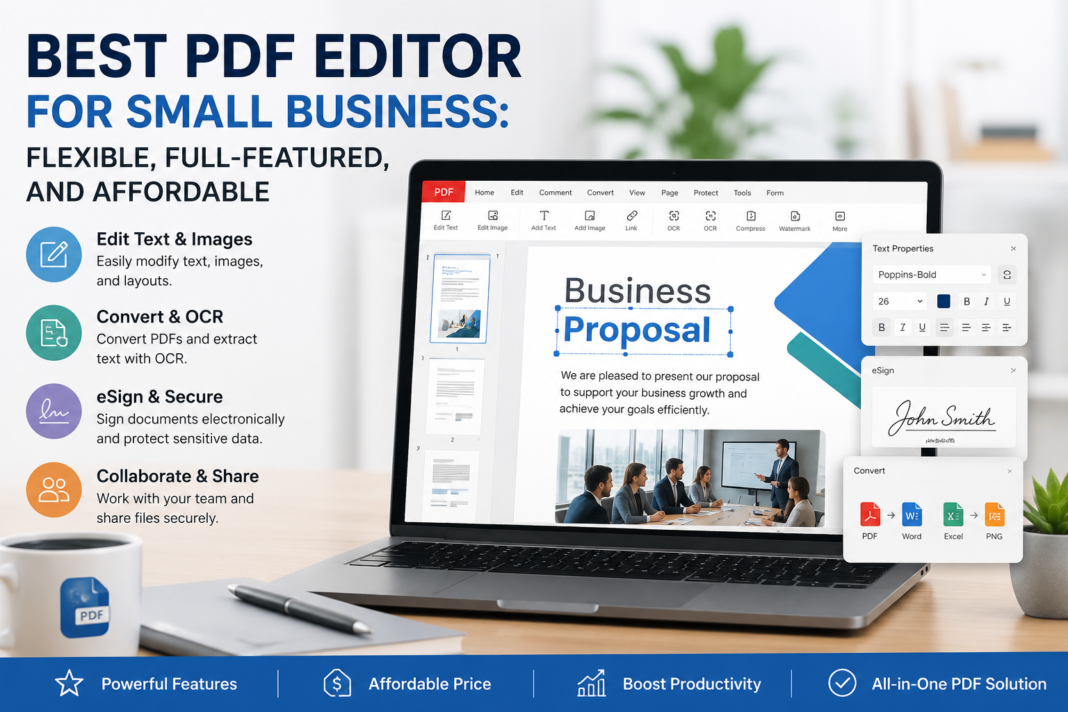

Small businesses deal with documents constantly, but not always with the time or budget to manage them efficiently. Common document challenges usually show up in the same places:
- Contracts: editing terms, adding signatures, protecting sensitive clauses, and sharing final versions quickly
- Invoices: converting files, updating payment details, and sending clean, professional PDFs
- HR paperwork: organizing onboarding forms, handling scanned documents, and securing employee records
- Client proposals: polishing layouts, adding comments, and making updates without recreating the file
That is why choosing the right PDF editor matters. The best option for a small business should be flexible enough for everyday tasks, full-featured enough to support growing workflows, and affordable enough to fit a practical budget.
Part 1. What Small Businesses Need in a PDF Editor
A small business PDF editor should do more than open files and add comments. It should help teams move faster without creating extra manual work.
The first priority is editing capability. Teams often need to update contract clauses, revise proposal text, change invoice details, or add branded elements like headers, watermarks, and links. A strong PDF editor should make it easy to edit PDF directly without forcing users to convert the file into another format first.
The second priority is document conversion and OCR. Small businesses often receive files in mixed formats, including Word documents, scanned paperwork, images, and locked PDFs. A useful PDF editor should convert files to and from PDF while keeping layout intact. OCR is especially important for scanned contracts, paper forms, and archived records because it turns static scans into searchable and editable documents.
The third priority is security. Even small teams handle sensitive data, whether that includes employee records, financial information, customer details, or legal documents. Password protection, permission controls, and redaction tools can make a major difference.
The fourth priority is ease of use. Small businesses rarely have dedicated PDF specialists. The software should be straightforward enough for office managers, sales teams, HR staff, and founders to use without a steep learning curve.
Finally, there is cost efficiency. Small businesses need tools that deliver strong functionality without locking them into enterprise-level pricing. A good PDF editor should feel like a business investment, not a budget burden.
Part 2. PDFelement: Best PDF Editor for Small Businesses
For small businesses looking for an all-around solution, Wondershare PDFelement stands out as one of the strongest options.
What makes PDFelement especially appealing is its flexible feature set. It covers the core tasks that small teams deal with every week: editing text, updating images, converting files, organizing pages, filling forms, creating forms, adding eSignatures, and securing PDFs. Instead of relying on separate tools for each task, businesses can manage much of their document workflow in one place.
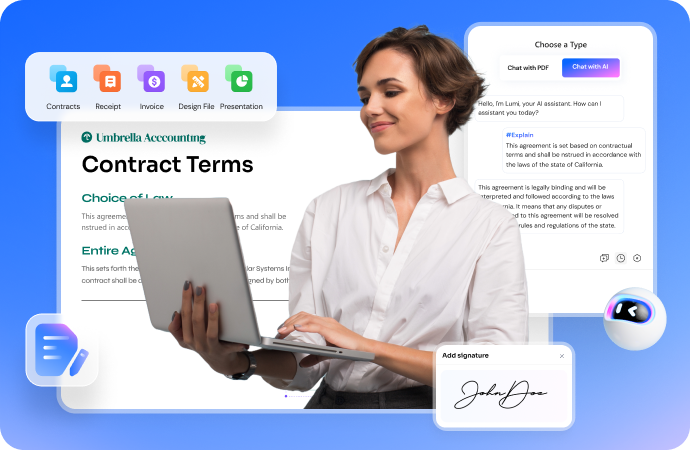
Its editing tools are particularly useful for proposal revisions, invoice updates, and contract changes. PDFelement supports direct PDF text editing, image adjustments, hyperlinks, watermarks, page numbering, and other document elements that matter in day-to-day business use. That flexibility helps teams work on PDFs more naturally instead of treating them as static final files.
Another major strength is its OCR and AI functionality. PDFelement includes OCR for scanned PDFs, which is valuable for businesses handling paper-based forms, signed documents, or archived files. OCR can make those documents searchable and editable while preserving much of the original layout. That alone can save hours of manual retyping.
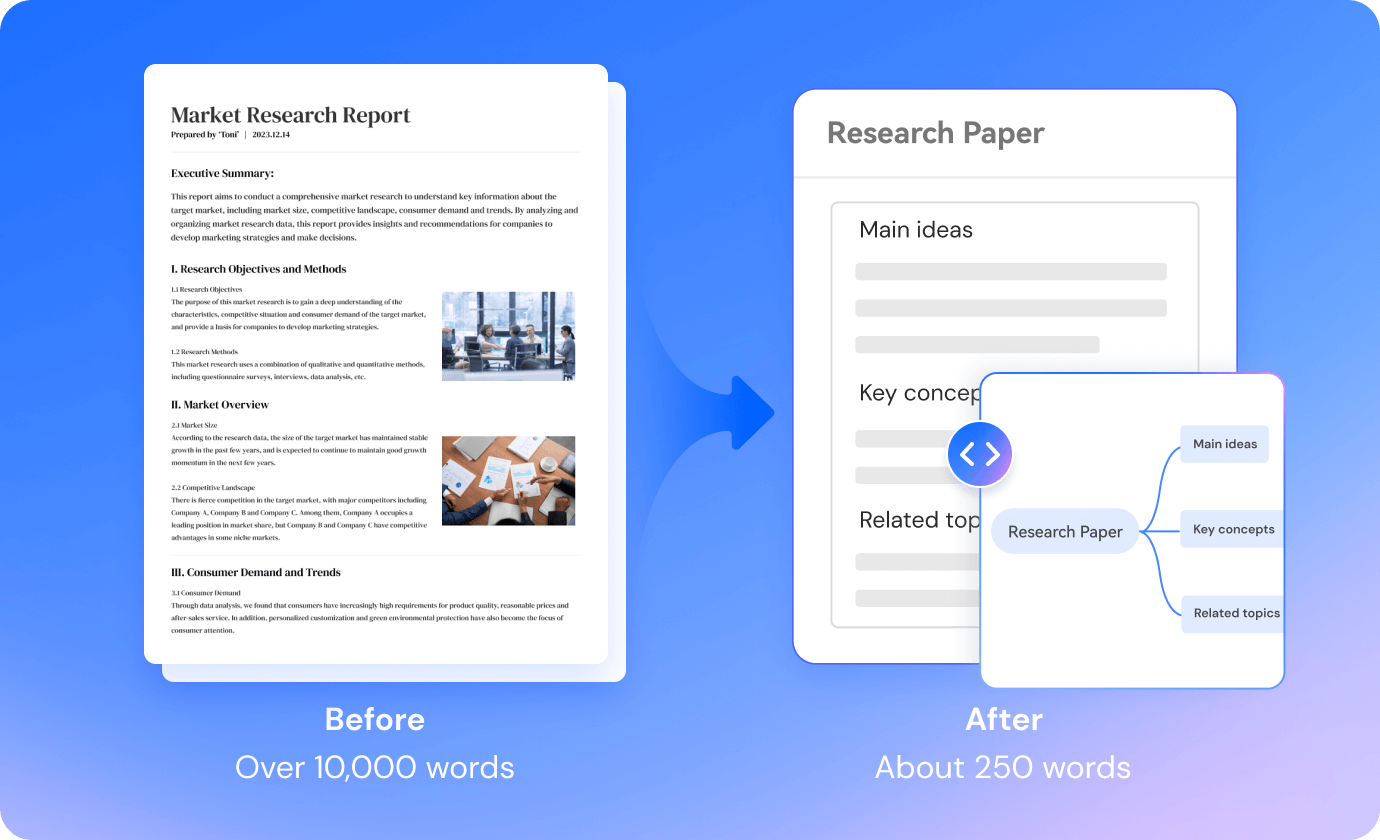
On top of that, PDFelement also offers AI-powered tools for tasks like summarizing, rewriting, translating, and understanding PDF content. For small teams that need to review long documents quickly or clean up business writing, those tools can support productivity without adding another platform to the workflow.
PDFelement also performs well on the affordability side. For many small businesses, pricing can be the deciding factor between a practical solution and an overbuilt one. PDFelement is positioned as a more budget-friendly alternative to some premium PDF platforms while still covering the features most growing businesses actually use. That balance makes it a strong choice for affordability and all-around business use.

In short, PDFelement works well for small businesses because it combines flexibility, business-ready features, OCR, AI support, and accessible pricing in a single package.
Part 3. How to Choose the Right PDF Editor for Your Business
Even with a strong option on the table, it is still worth matching the tool to your actual business needs.
Identify Your Business Priorities
Start with editing frequency. If your team regularly updates proposals, contracts, reports, or forms, you need a tool with robust editing features rather than a lightweight viewer.
Next, think about team size. A solo consultant may only need a simple license and core editing tools, while a growing operations or sales team may need broader access and a more standardized workflow.
Then consider security needs. If your business handles client contracts, HR records, or compliance files, security features like password protection, permission controls, and redaction should be high on your checklist.
Consider Future Scalability
A PDF editor should support where your business is going, not just where it is now.
As teams grow, document workflows usually expand too. More people may need to review files, update forms, sign agreements, or process scanned paperwork. That is where scalability matters. A tool that works well for one person but becomes limiting for five or ten users can create friction later.
It is also smart to think about integration needs and workflow expansion. Even if your current setup is simple, your document process may become more complex as you add more clients, departments, or approval steps.
Test Before Committing
Before making a final decision, use free trials where available. That is the easiest way to see whether the interface feels intuitive and whether the features actually match your workflow.
It also helps to review user feedback and compare feature sets side by side. Look at what each tool offers in editing, OCR, security, form handling, and signing. For small businesses, the best PDF editor is rarely the one with the longest feature list. It is the one that solves the most common business tasks efficiently and affordably.
Conclusion
The best PDF editor for small business should help teams work faster without adding complexity or unnecessary cost. The most important qualities to prioritize are flexibility, strong core features, OCR support, ease of use, security, and pricing that makes sense for a growing company.
For many SMBs, the right choice comes down to balance. You want a tool that can handle contract updates, invoices, HR paperwork, client proposals, and compliance documents without forcing your team to juggle multiple apps.